

DeepIDVWorkflowView runs a workflow you built in the Admin Console against one session, step by step, and reports one result when the user is done.
Supported steps: ID verification (one, two or three documents) and face liveness. A workflow with any other step fails with .validation before the camera opens.
Three ways to start
- Session from your backend (recommended)
- Let the view create it
- Resume a session
Your backend creates the session with Create workflow session and passes the app its ID.The session must be new: one that has started or finished fails with
.conflict. To continue a started session, resume it.documentCamera: to choose the camera for this view only. See Camera.
Sessions from your backend
Creating the session on your backend keeps the user’s details on your server, ties the session to a signed-in user, and lets your proxy refuse requests for anyone else’s session.Present it full screen
The view fills the screen and runs the camera. Present it withfullScreenCover (SwiftUI) or a full-screen UIHostingController (UIKit), and close it from onResult.
UIKit
What the user sees
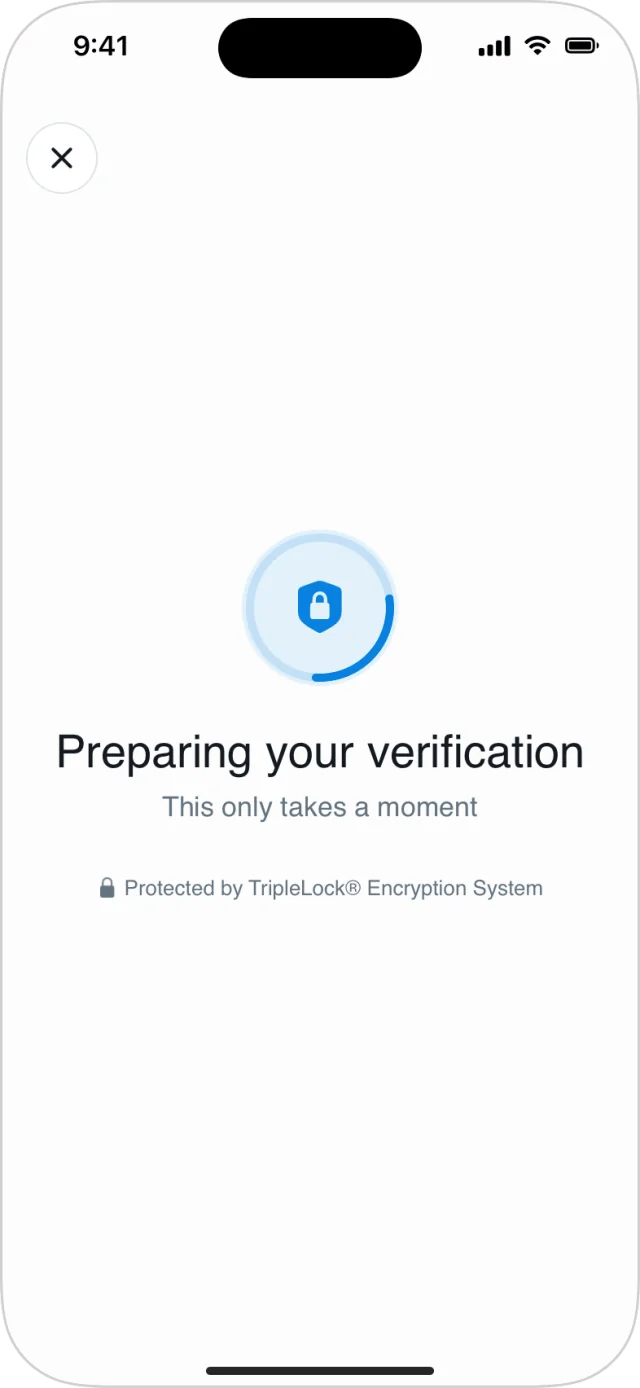
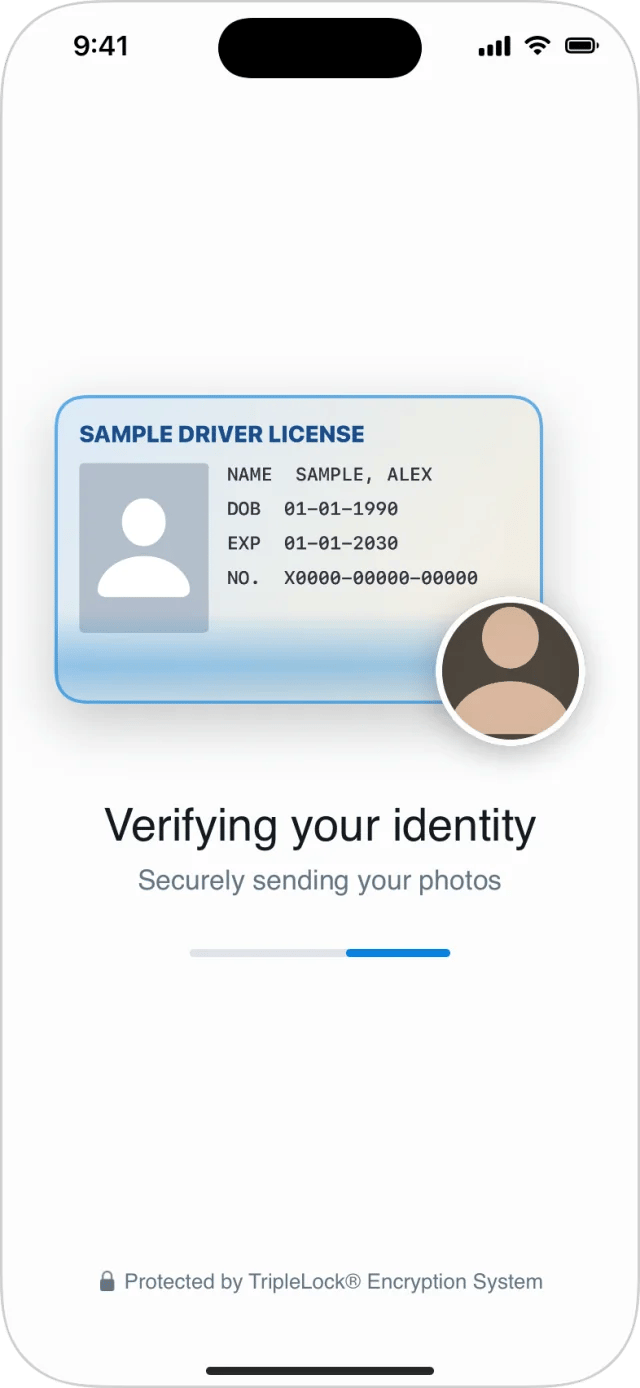
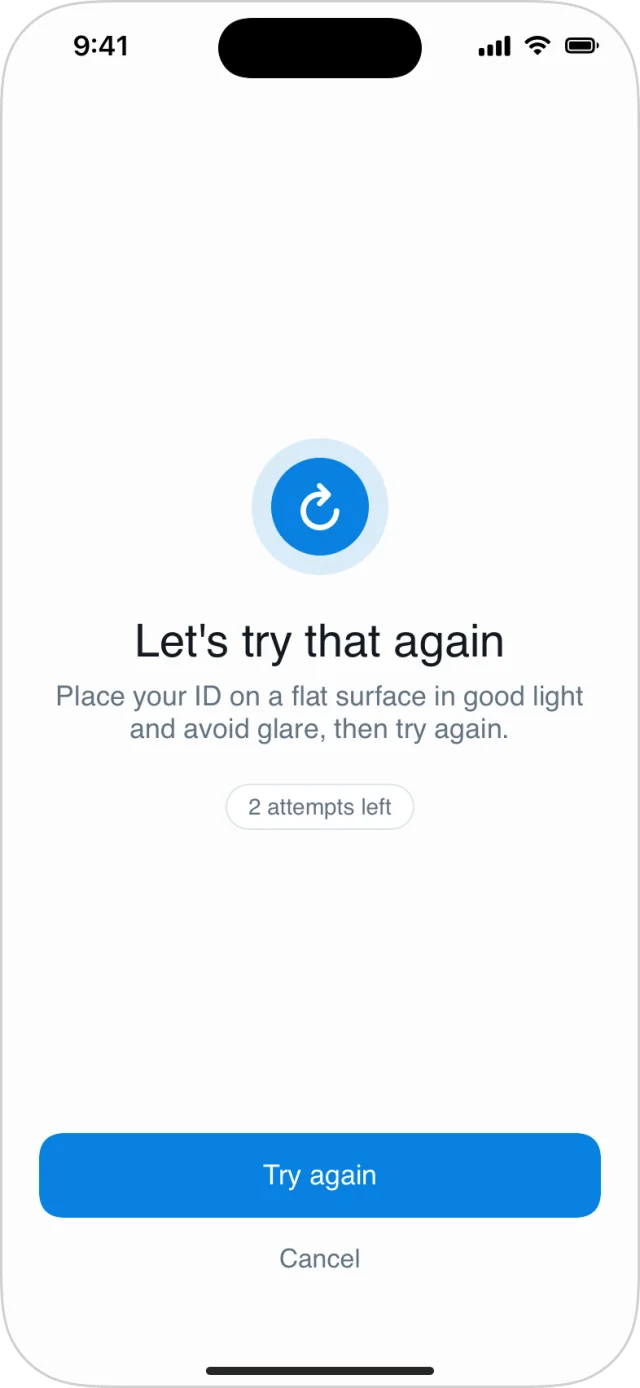
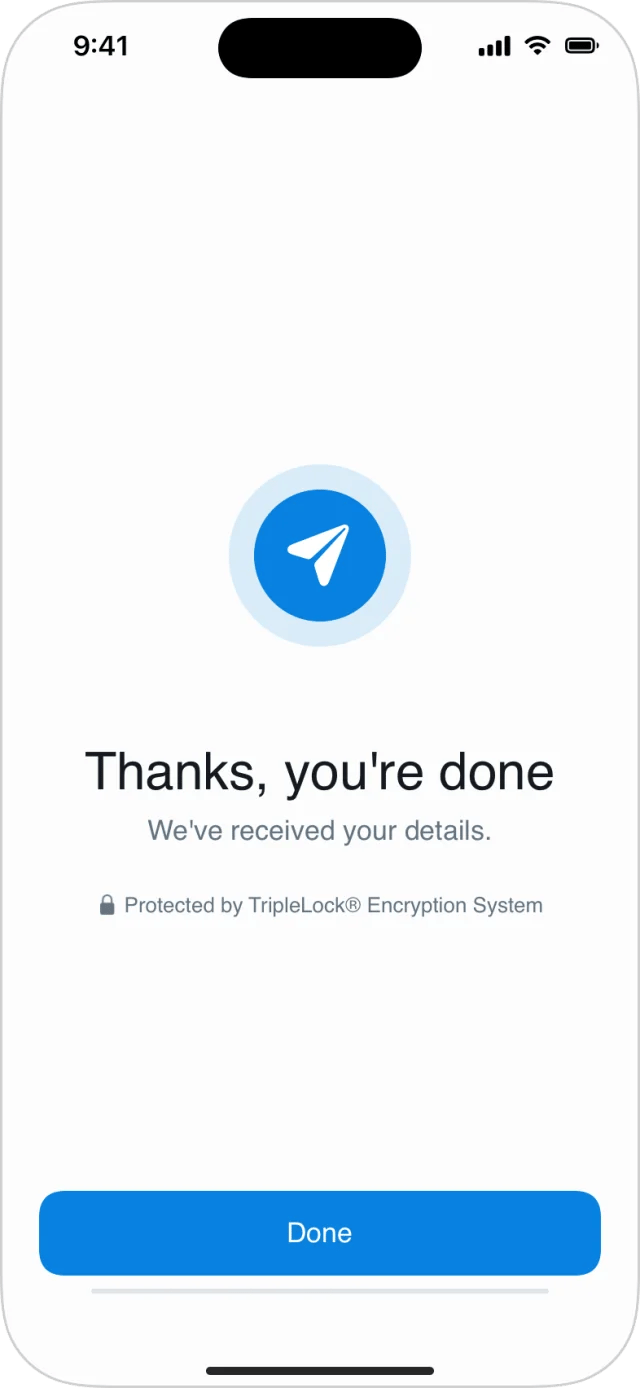
Around the steps: preparing, sending, a retry, and the closing screen.
To skip the closing screen and return to your app straight away, set
showsCompletionScreen to false in DeepIDVConfig.
Handle the result
onResult fires exactly once, with a Result<WorkflowRunResult, DeepIDVError>.
.successmeans the run ended normally: submitted, or out of attempts (sessionFailureis set)..failureis for errors: network, permissions, cancellation, a session that can’t run.
Headless session calls
To inspect or drive a session without UI:
Each returns a
WorkflowExecutionState (or WorkflowSession for create) with the steps, their status, attempts left and failures.