

SelfieCaptureView returns the photo to your app.
Screens and states
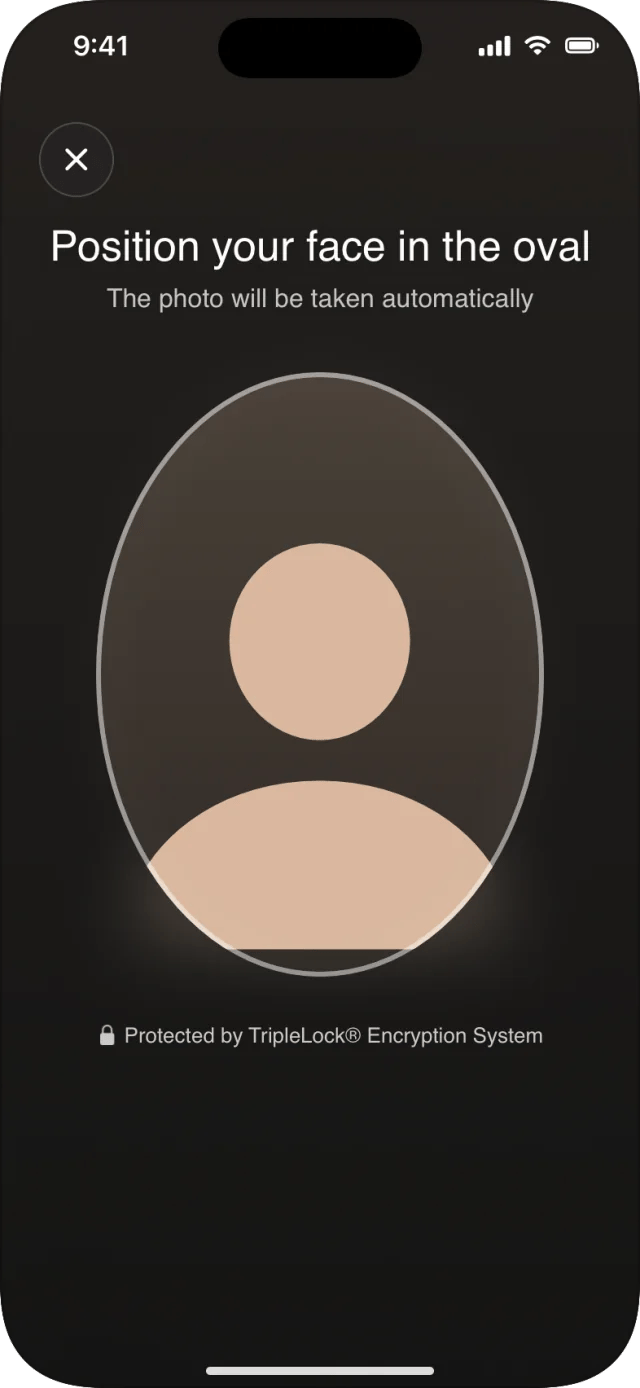
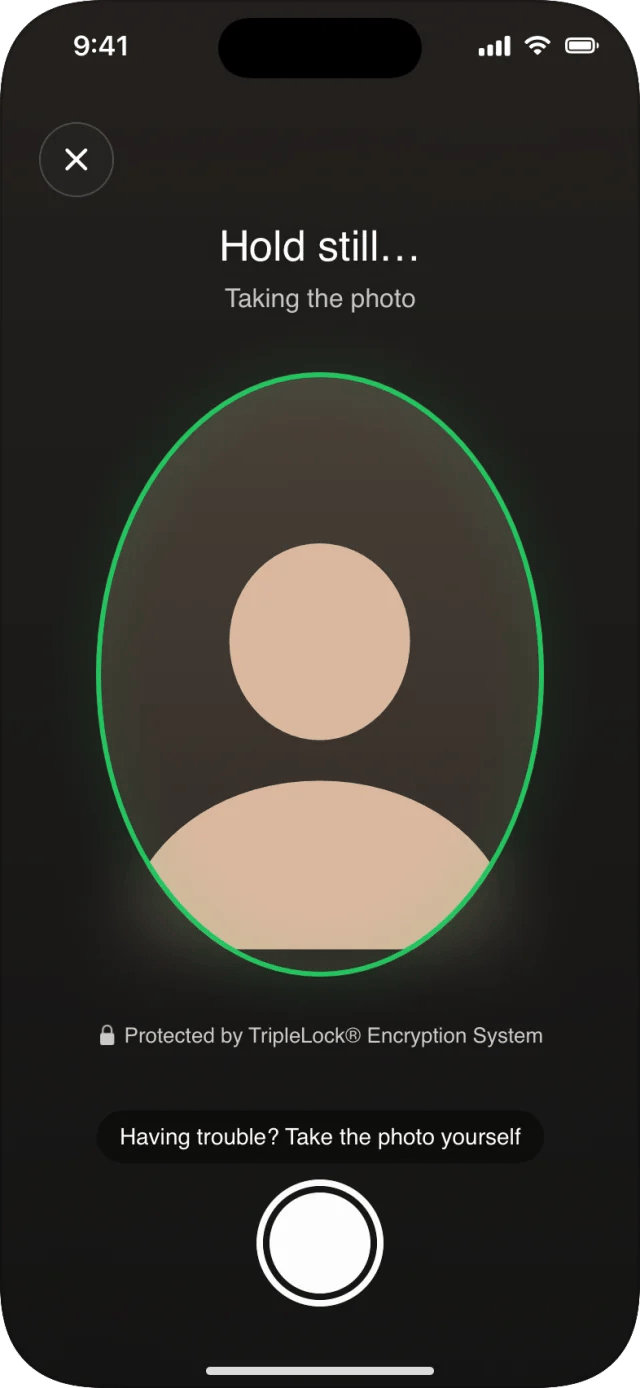
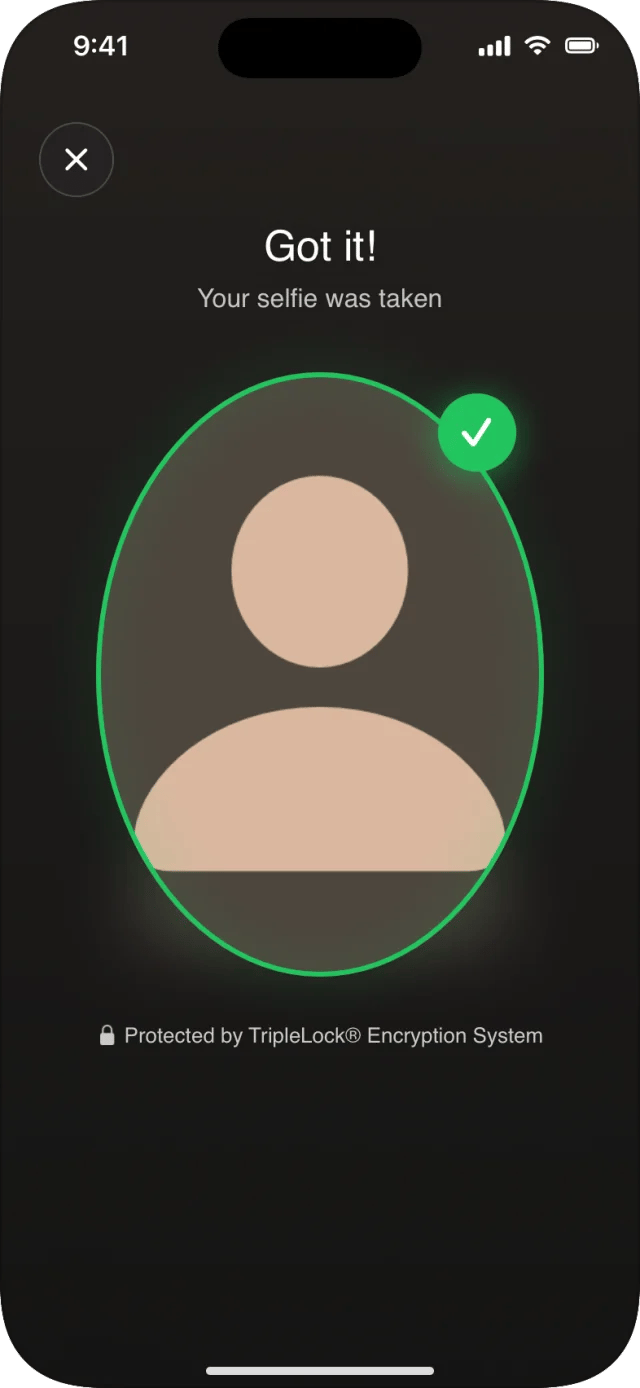
If the photo hasn’t been taken after a few seconds, Having trouble? Take the photo yourself and a shutter button appear. The ✕ closes the camera with
.cancelled. The selfie always uses the front camera.
On its own: SelfieCaptureView
SelfieCaptureView doesn’t call deepidv. It returns the photo as a FileInput, for example to pass to verifyIdentity.
Guidance for your users
Related
- Face liveness: proves the person is present, beyond a single photo
- Failures and retries: selfie failures in workflows