

Before you start
- Turn on re-verification on the workflow in the Admin Console.
- Enrolment is automatic. Every session approved on that workflow is enrolled after approval. Nothing in the app registers faces.
- You name the user. Pass the email of a user in your organization who was verified on this workflow. The view never asks the user for it. A face that belongs to someone else is not re-verified.
Present the view
email from the signed-in user.
Screens and states
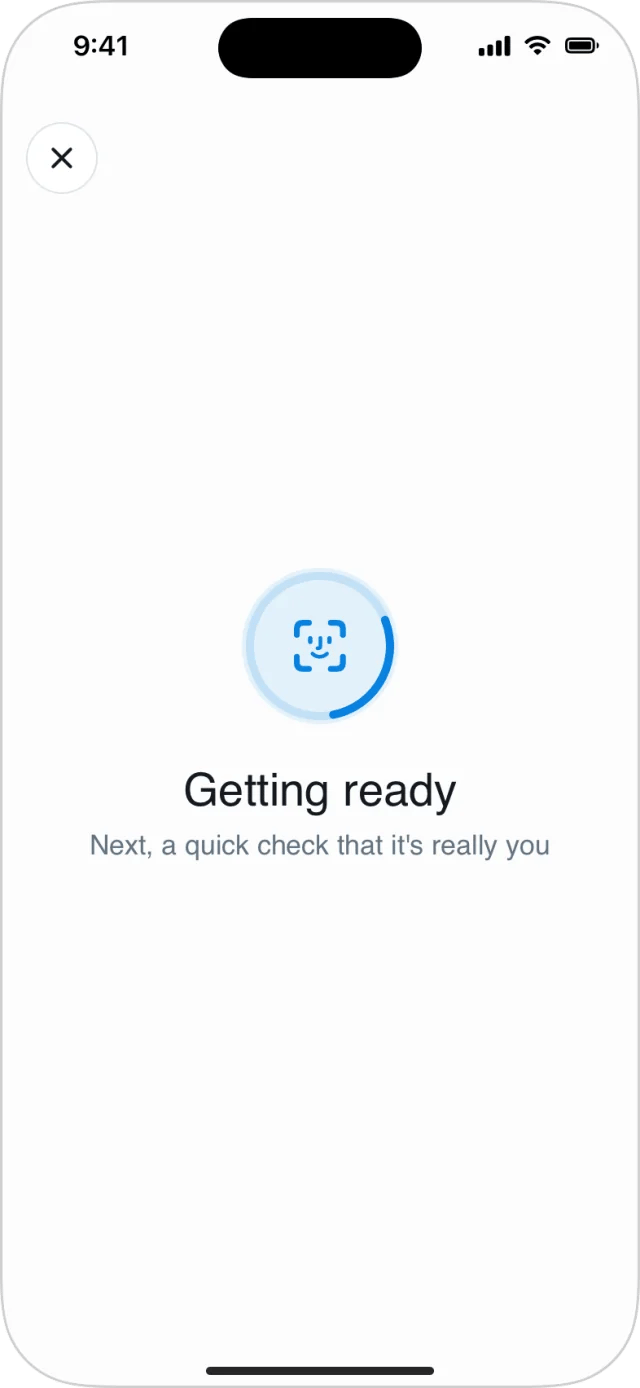
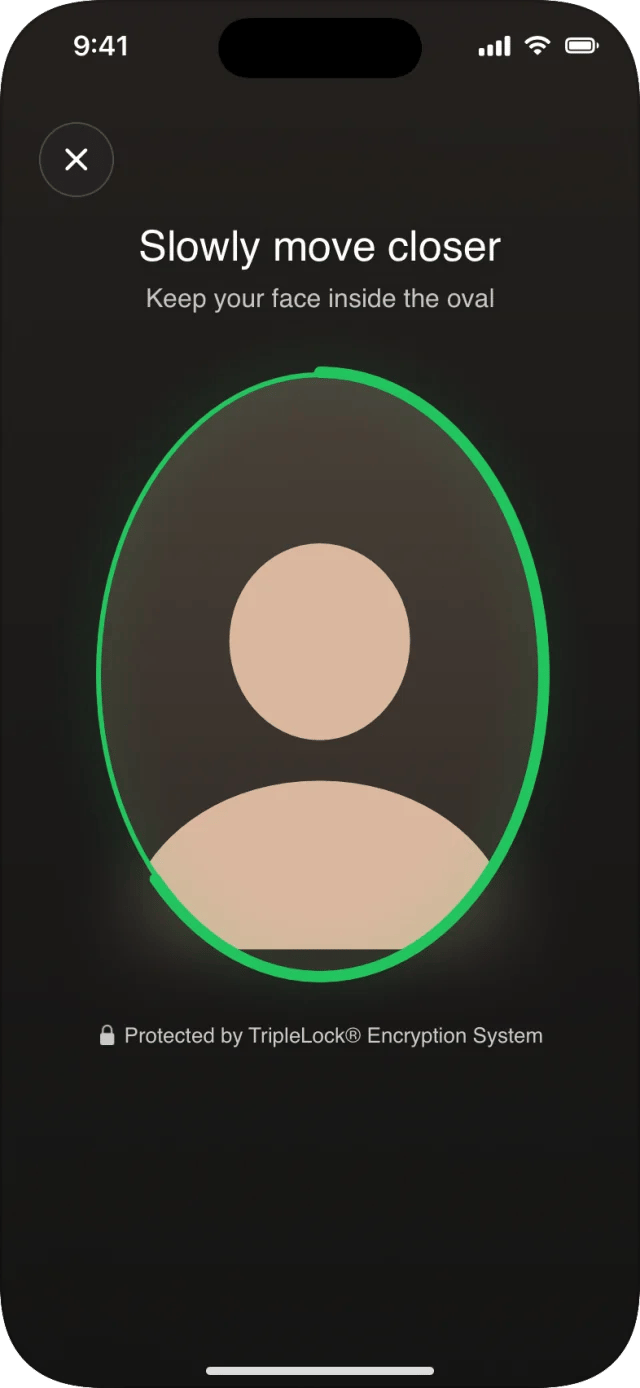
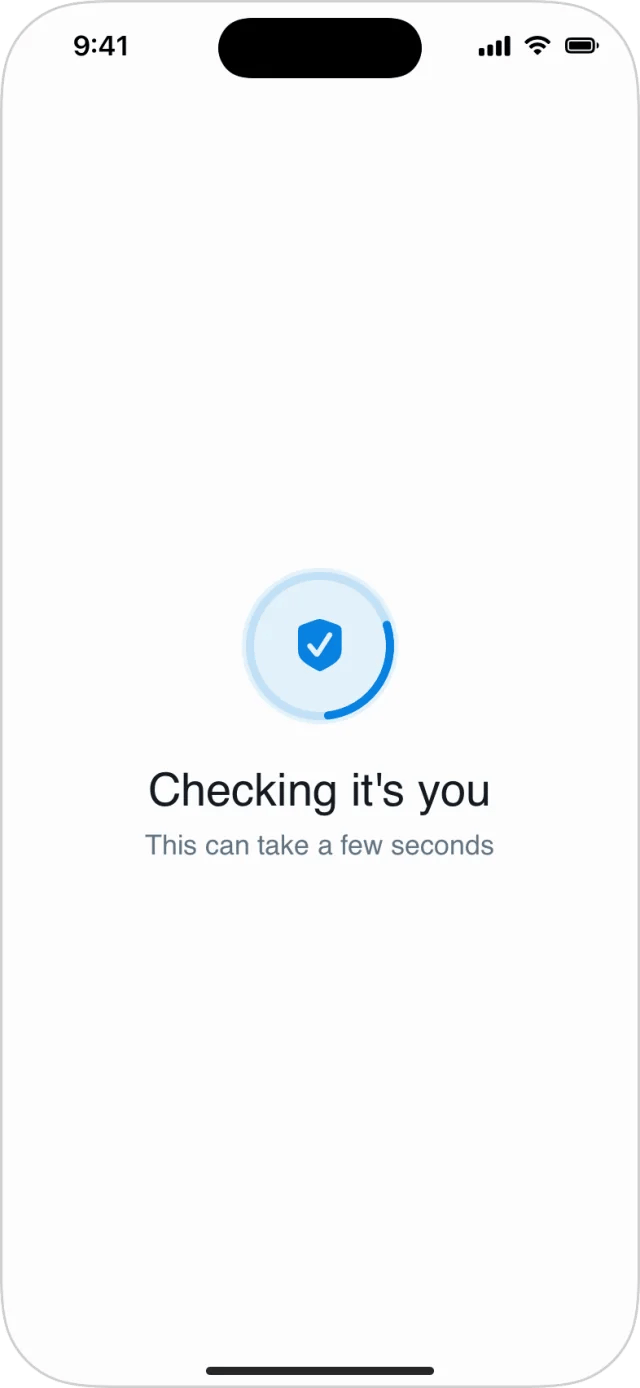
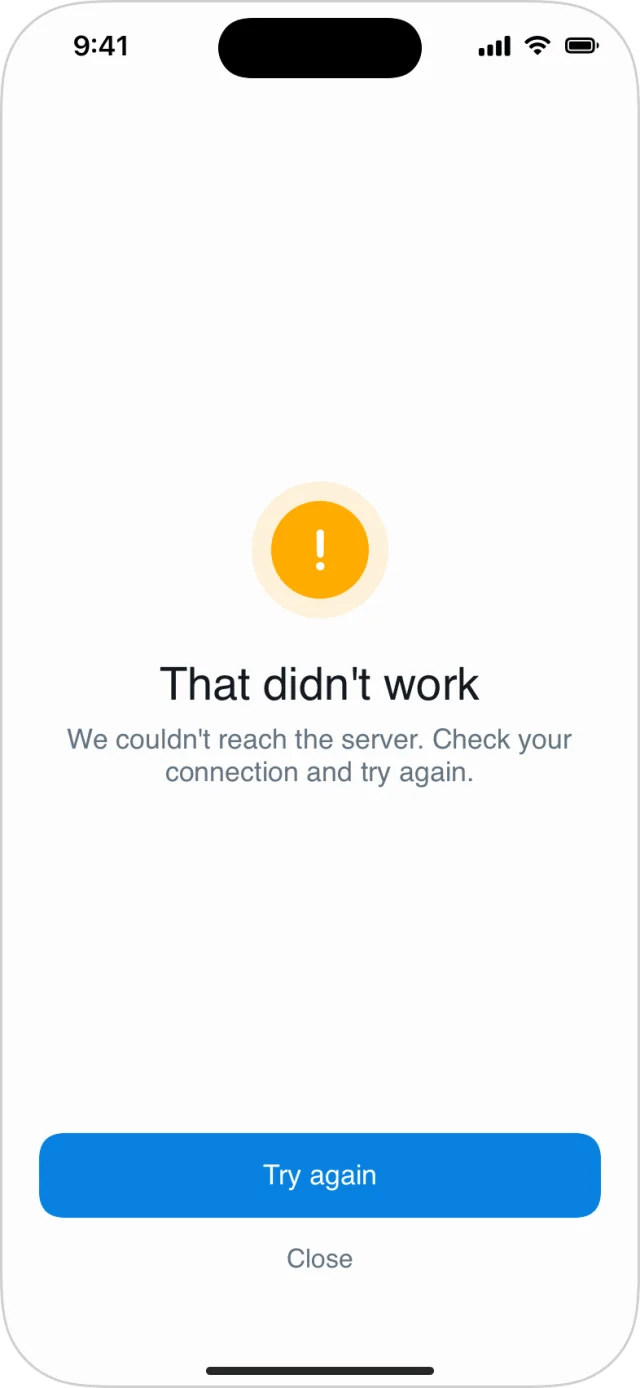
The close button and dismissing the view both end it with
.failure, kind .cancelled.
Results
onResult fires exactly once.
NotEligibleReason
None of these can be fixed by the user, so show your own message rather than asking them to retry.