

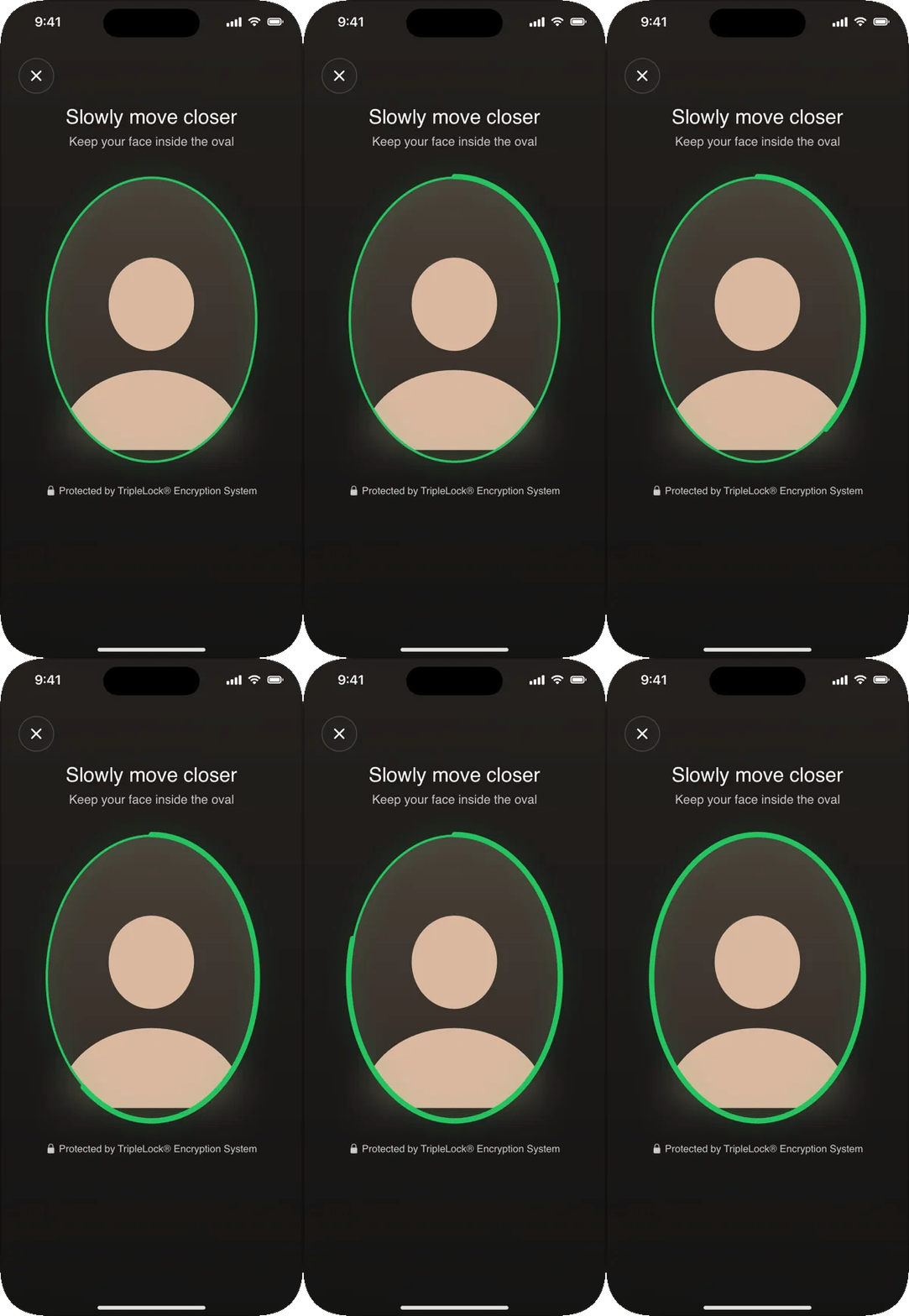
The ring fills as the user moves closer.
Three ways to run it
The challenge type (movement, or movement and light) and the pass threshold are set on the workflow step, not in the app.
Screens and states
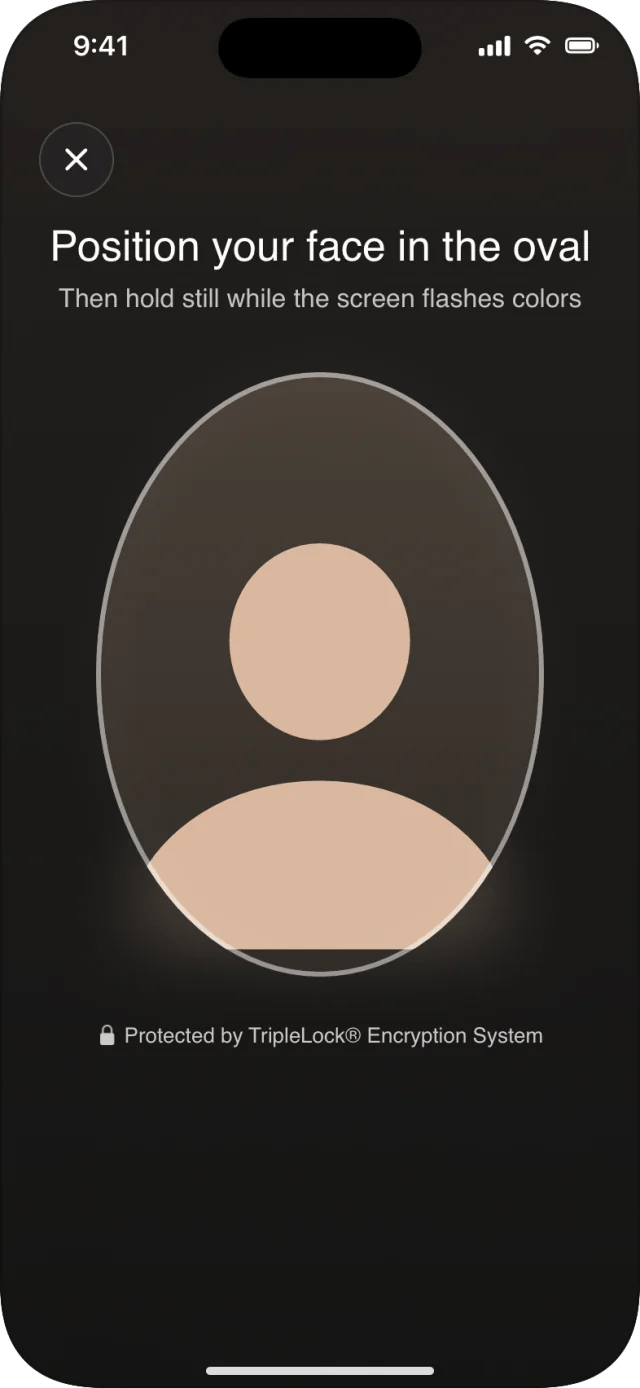
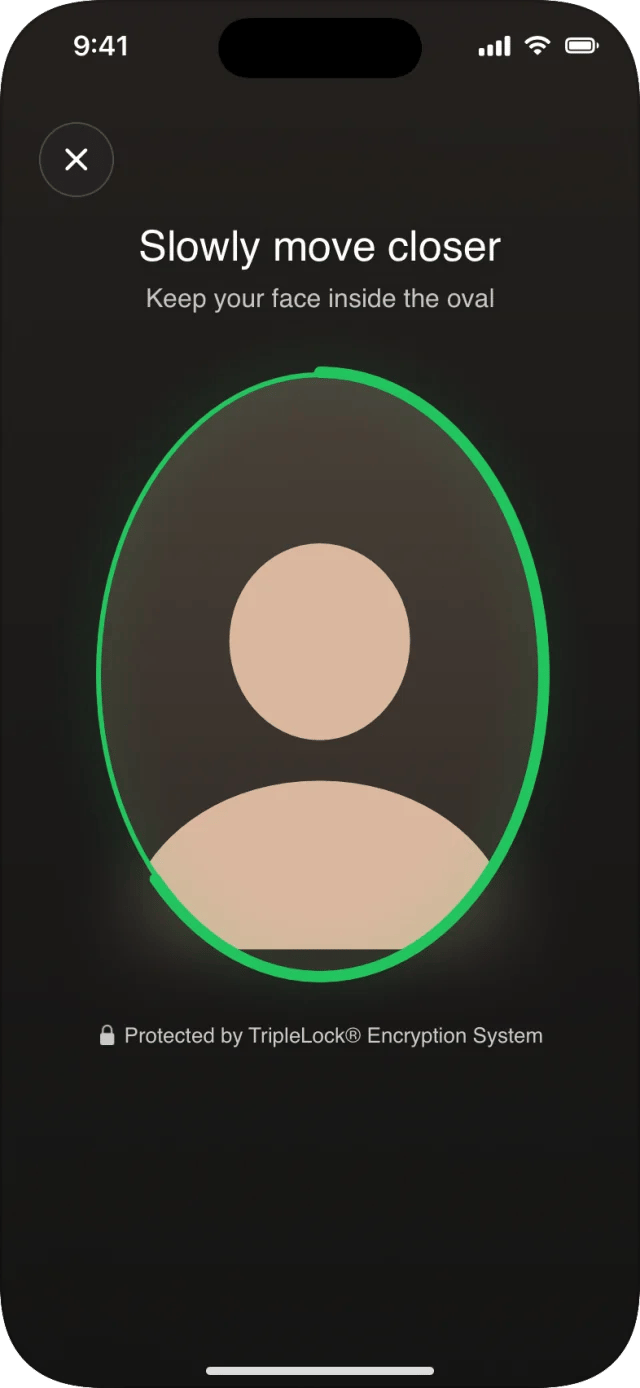
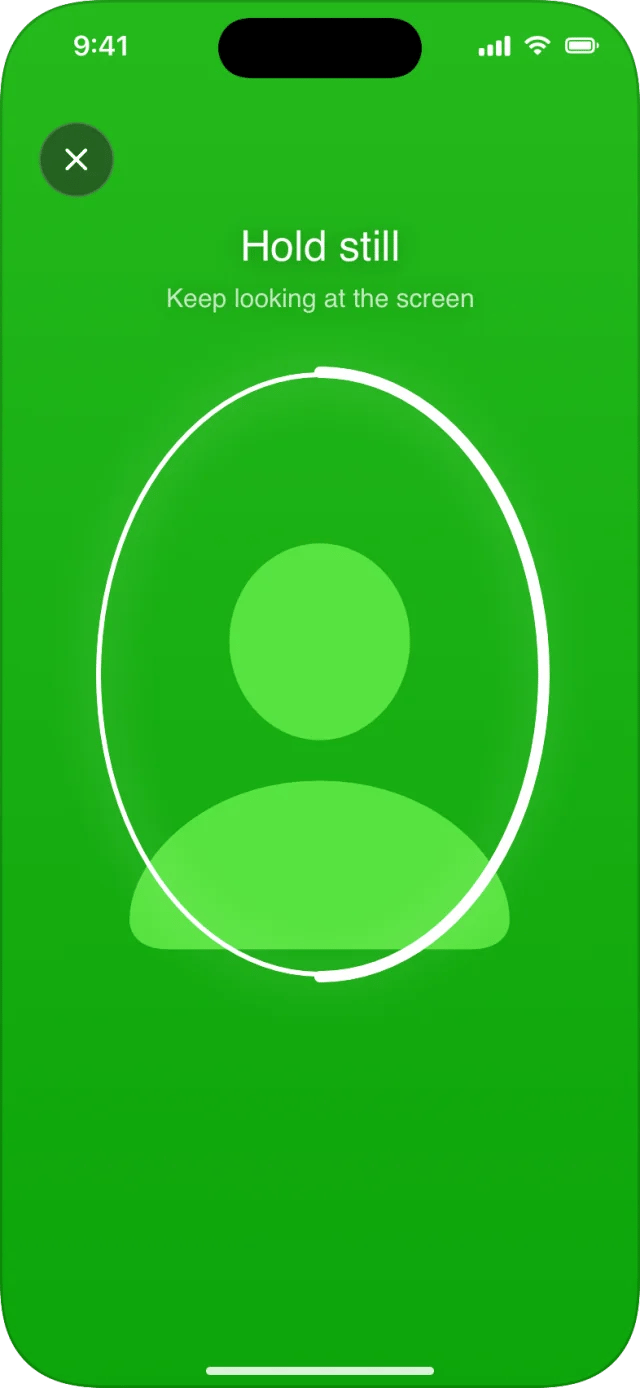
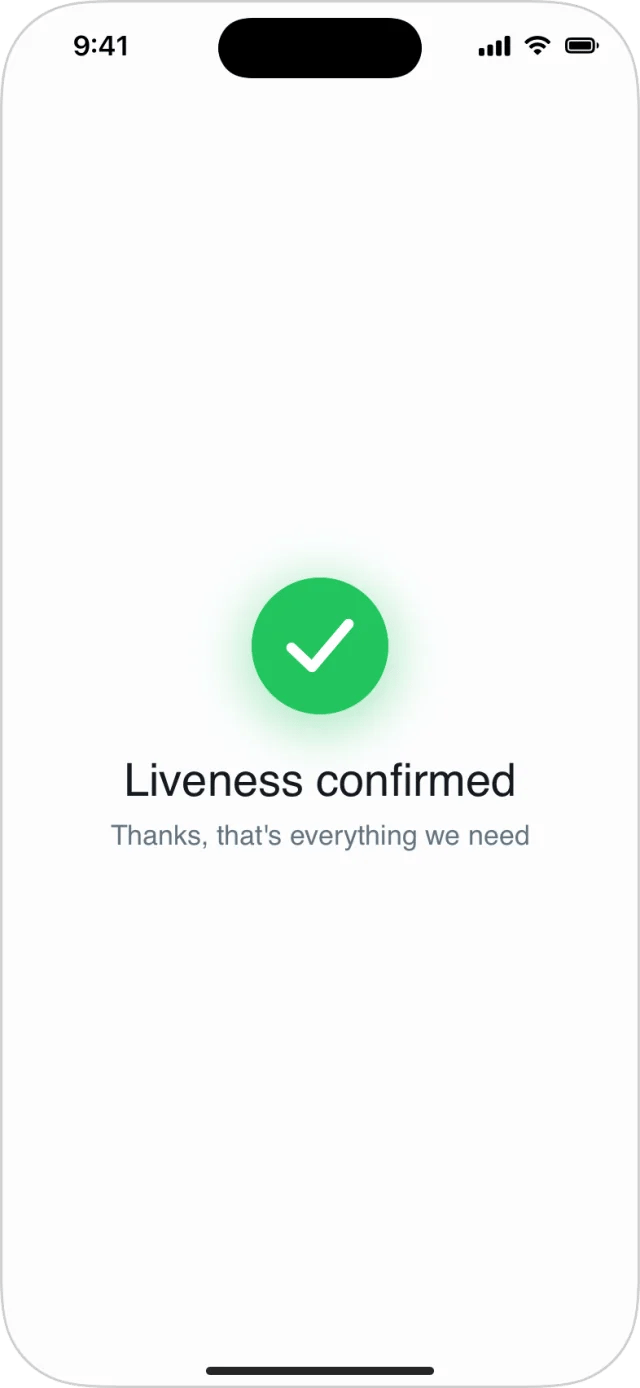
CustomFaceLivenessView
FaceLivenessResult
No images come back to the app.
Guidance for your users
- Use a well-lit room, and face the light.
- Hold the phone at eye level and move it, or your head, slowly toward each other.
- Keep the whole face in the oval; take off sunglasses.
- During the flashes, keep still and keep looking at the screen.
Related
- Re-verification uses the same check to confirm a returning user.
- Failures and retries:
.livenessFailed,.livenessIDMismatch